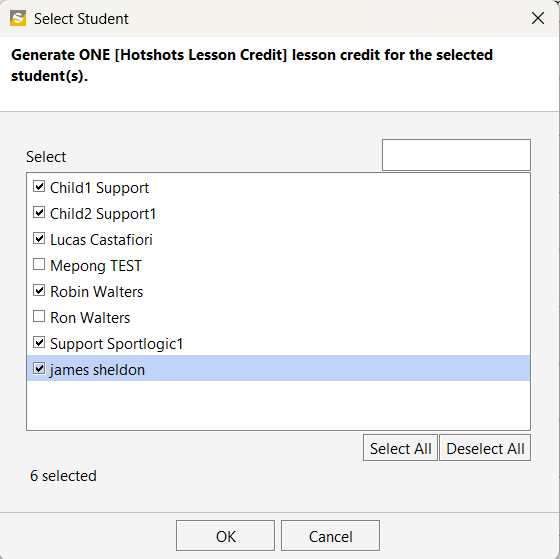
Lesson Credits can be issued in bulk for an entire class.
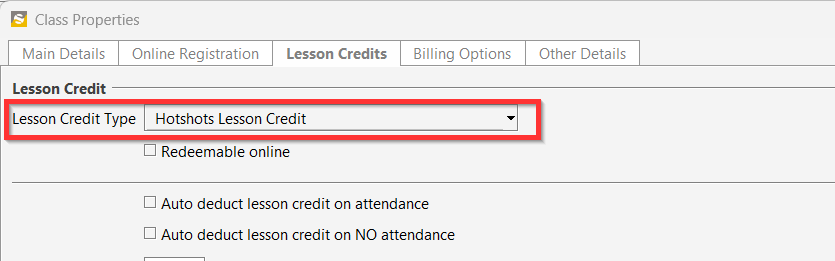
Before issuing the lesson credits from a class, first ensure that you have selected a Lesson Credit Type for the class from Class Properties as shown below.

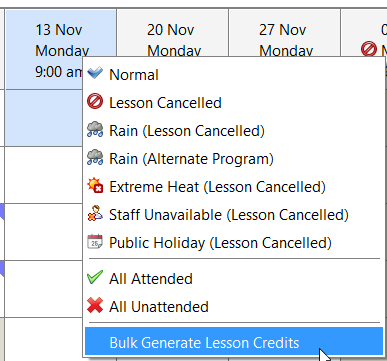
To issue the lesson credits, simply right-click on the class session date and select ‘Bulk Generate Lesson Credits’
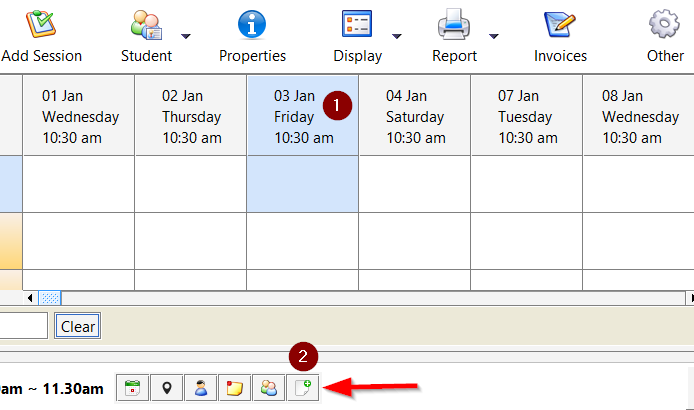
In some versions of SportLogicApp, the Bulk Generate Credits button is located at the bottom of the class view. To use it, click on the session and then select Bulk Generate Credits button; this will open the same window where you can adjust the credits.
You have the options to select the students individually or to Select All.